
Create an API Integration
Create your API integration.
Create an integration on the CoinPayments dashboard to receive a clientId and clientSecret. Every authenticated API request is bound to a specific integration and signed with its secret.
Prerequisites
3 items- 1Create a CoinPayments AccountSign up if you don't already have one.
- 2Log InAuthenticate to your CoinPayments account.
- 3Verify Your Account (KYC)Optional — unverified accounts can still use the API, but only against the LTCT testing currency.
Create the Integration
5 steps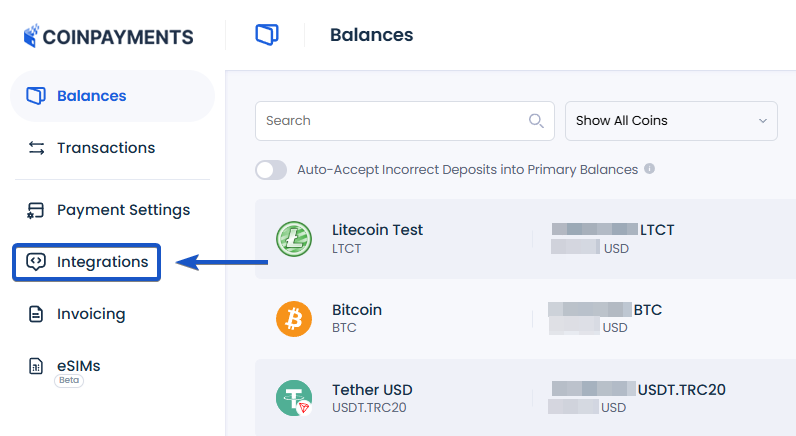
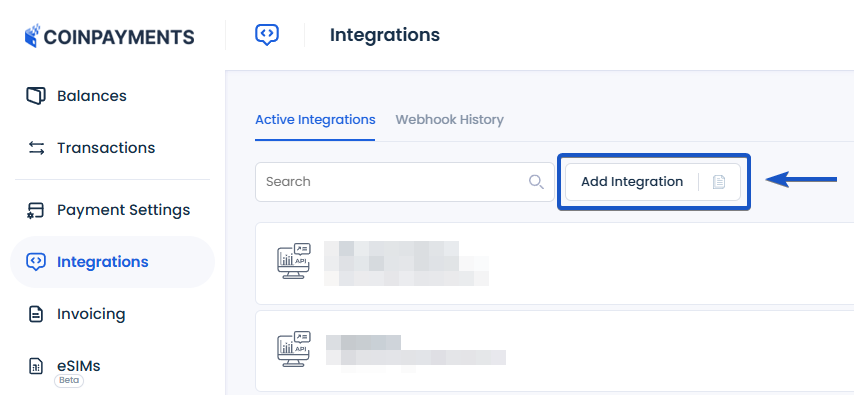
From the Integrations page, click the Add Integration button.
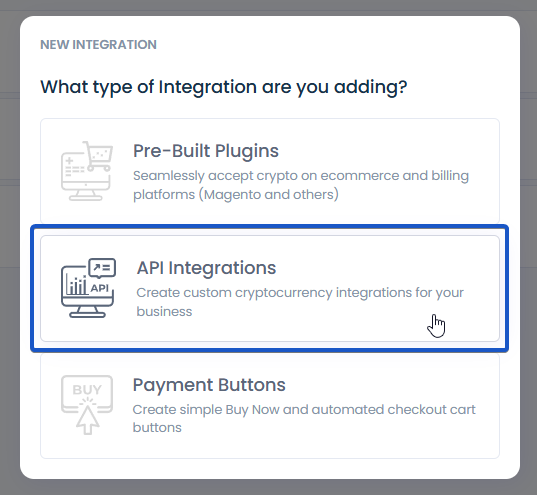
Choose API Integrations as the integration type.
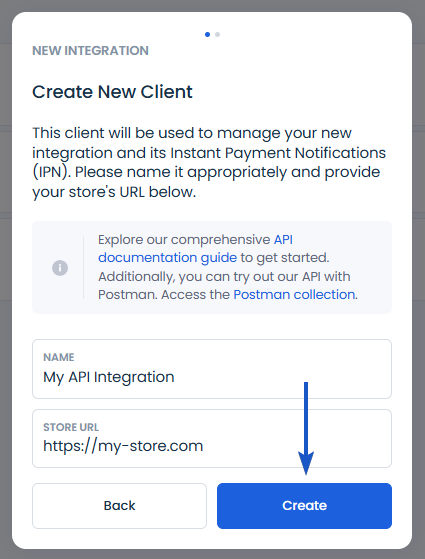
Define an integration name and provide your store URL. These help you identify the integration and link to your website.
Your clientId and clientSecret have been generated. Save them for future use.
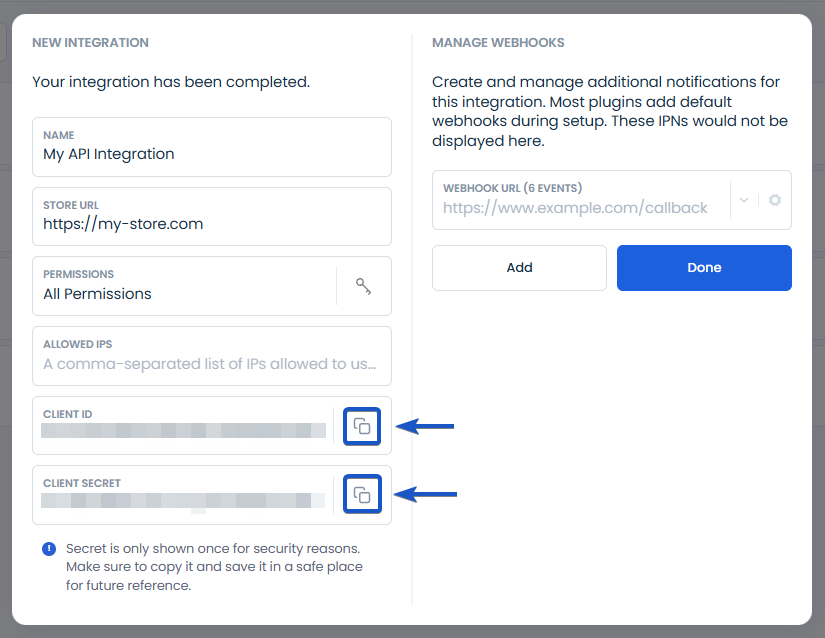
Optional Configuration
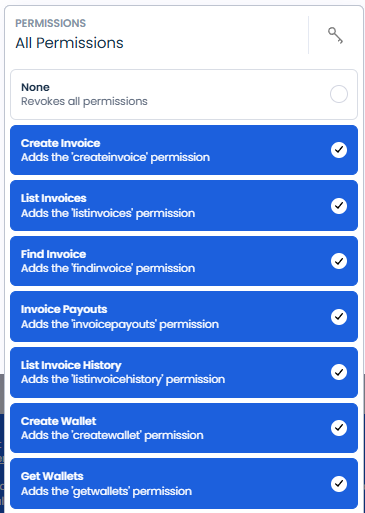
3 add-onsLimit the scope of authorized resources and operations this integration has access to. Use the dropdown to allow only the specific functions you need.
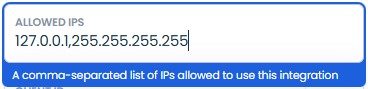
Restrict which IP addresses can use this integration. By default any IP is allowed — adding an allow-list locks down where requests can originate from.
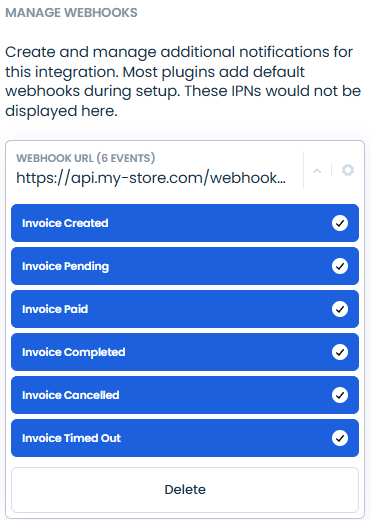
Specify a webhook endpoint and pick which events you'd like CoinPayments to deliver to it. (invoices)
Now authenticate your requests
With your clientId and clientSecret in hand, you're ready to authenticate.