
Integrations
Talk to the Integrations team.
Technical support for developers integrating the CoinPayments API, webhooks, SDKs, and merchant tools. Include logs, request samples, and environment details to reduce round-trip troubleshooting time.
- API authentication questions
- Webhook callbacks, signatures, or delivery issues
- Checkout integration and payment flow errors
- Environment setup or sandbox issues
- Feature implementation guidance
Telegram Group Integration
4 stepsCreate a new Telegram group named after your business, e.g. Company x CoinPayments – API Integrations.
Invite the bot below into the group as a member:
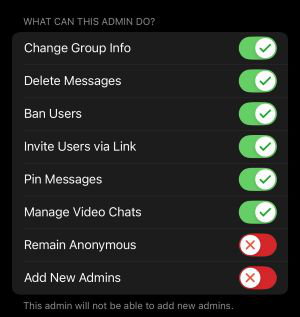
Promote the bot to administrator with the exact permissions shown below — missing or restricted permissions will break the integration.
Post a message to the bot containing:
- Brand name of your company
- Legal entity (if different)
- First name
- Last name
- Email associated with your account
- What you need help with
Slack Connect Integration
4 stepsRun /add inside your Slack channel. You'll be prompted to install an application to the current channel.
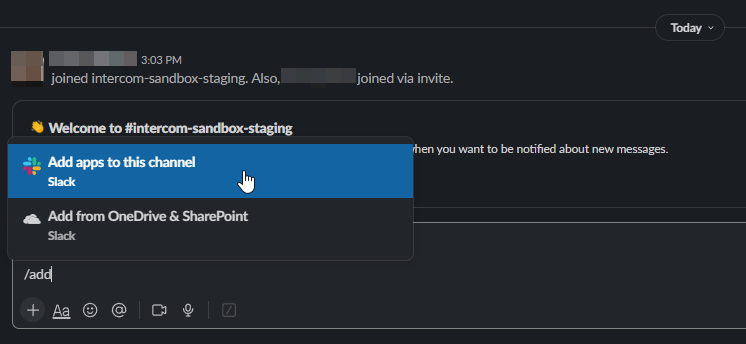
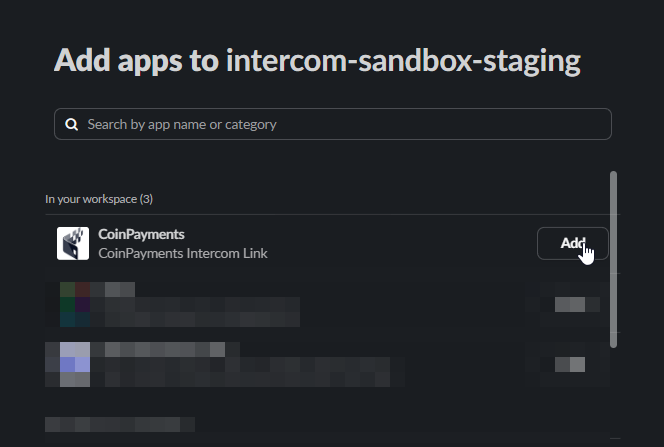
Locate the CoinPayments Support app within Slack and install it.
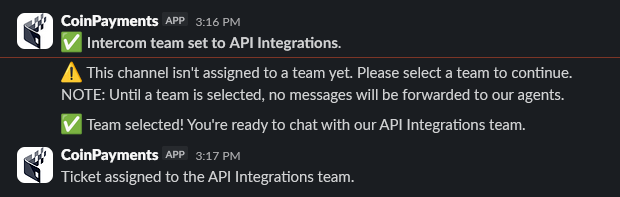
Pick the department you want the conversation routed to. The inbox and department are managed by CoinPayments staff following onboarding.

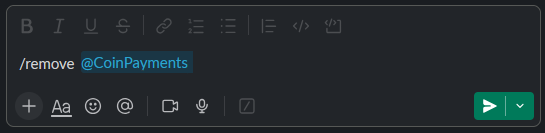
To uninstall, execute /remove @CoinPayments in any channel where the app is installed.

Where to next?
Browse the docs, or jump back to the contact directory.